
Which Are the Lowest Cost Per Page Xerox Laser Printers?
A cheap printer can turn into an expensive habit once you start buying toner. If you want the lowest cost per page Xerox laser printers for home, the answer is the B410 and B310 for black-and-white printing, the B230 for most households, and the C230 or C410 for color.
At Clear Choice Technical Services, we service and supply Xerox printers every week, and the same pattern shows up again and again. People compare printer prices, then overspend on standard-yield toner for years. This guide compares real cartridge prices and yields so you can see what each page actually costs.
TL;DR: The lowest cost per page Xerox laser printers for home use are the Xerox B230 and B310 for monochrome printing (~1.8¢–2.5¢ per page with high-capacity toner) and the Xerox C230 for budget color (~2.5¢ mono / ~11–13¢ full color). Buying high-yield toner cartridges and defaulting to black and white cuts your running cost by 30–40% compared to standard supplies or inkjet printers.
Key Takeaways
- Cost per page (CPP) is a simple formula: divide the cartridge price by the rated page yield at ISO 5% coverage. It tells you exactly what each printed page costs in toner.
- The Xerox B230 and B310 are the top low-CPP monochrome picks for home users, delivering roughly 1.8¢–2.5¢ per page when you use high-capacity or extra-high-capacity toner.
- For budget color printing, the Xerox C230 and C300 Series offer the best balance-about 2.5¢ per mono page and 11–13¢ per full-color page with high-yield toner sets.
- High-yield toner cartridges reduce supply frequency and costs by 30–40% versus standard-yield cartridges, even though they carry a higher purchase price.
- Despite costing 100–200% more upfront than a bargain inkjet, a Xerox laser printer typically costs less to operate over a 2–3 year period because laser toner prints more pages per cartridge than inkjet ink.
- A printer’s purchase price should be compared to its expected lifetime page cost for overall savings-total cost of ownership matters more than sticker price.
Why Cheap Inkjets End Up So Expensive?
You buy an $80 inkjet printer for your home office. Six months later, you spend $120 replacing ink cartridges that dried out because you only print a few times a week. The ink clogged the printhead, and now you’re running cleaning cycles that burn through even more ink without printing a single page. Sound familiar?
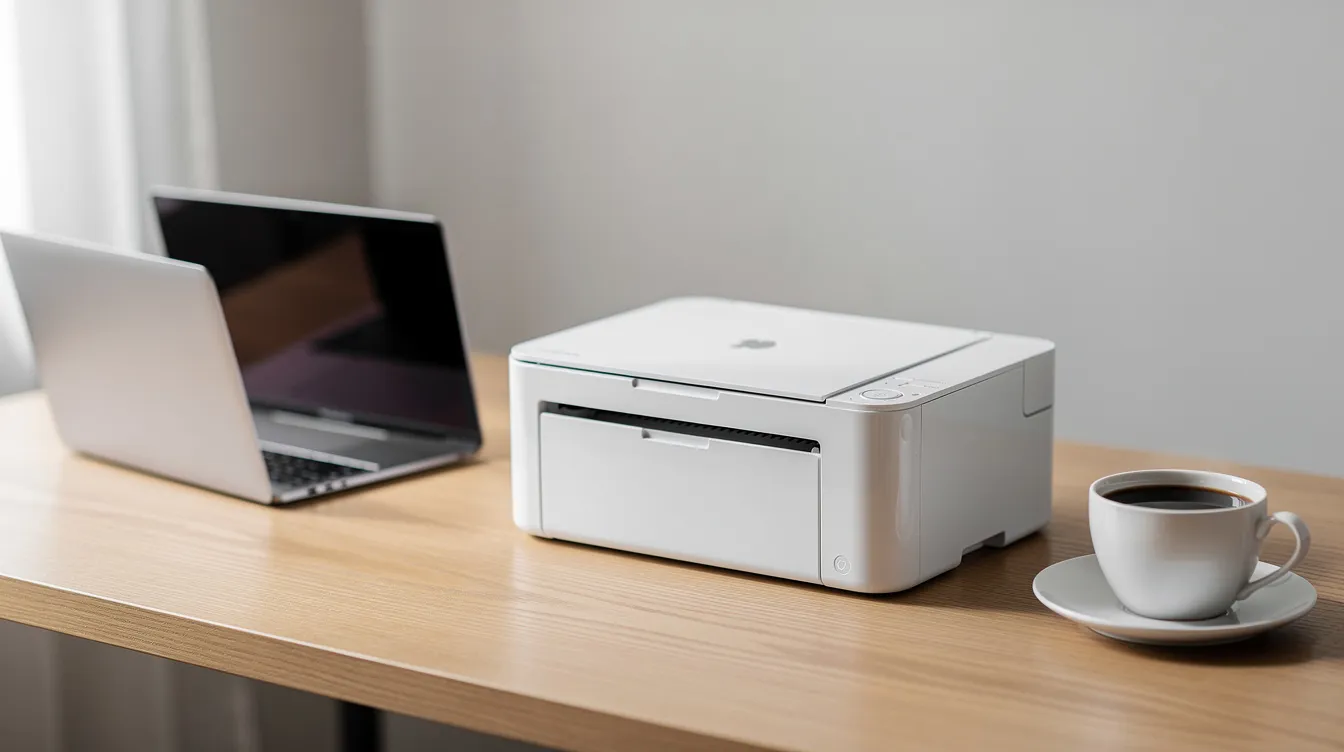
Laser printers solve this problem. Laser toner does not dry out between print jobs, and it doesn’t clog anything. A compact Xerox laser printer sits quietly on your desk, ready whenever you need it.
If you’re searching for the lowest cost per page Xerox laser printers, the short answer is the Xerox B230 and B310 for black and white documents and the Xerox C230 for affordable color. Let’s break down why-and show you the actual math.
How Does Printer Cost Per Page Actually Work for Home Users?
Cost per page (CPP) is the amount you spend in toner for every sheet you print. The formula is straightforward: CPP = cartridge price ÷ rated page yield. Page yield is measured under ISO/IEC 19752 for monochrome and ISO/IEC 19798 for color, both assuming 5% coverage per page-roughly a standard text email or letter.
Here’s how to think about it in practice:
- A standard-yield cartridge with a lower price but small page yield gives you a higher CPP. Many entry-level printers use small cartridges, leading to a higher cost per page than you’d expect.
- A high-yield cartridge costs more upfront but spreads that cost across far more pages, dropping CPP by 30–40%.
- An extra-high-yield cartridge pushes CPP even lower for anyone printing several hundred pages per month.
For example, a Xerox B230 extra-high-capacity black toner cartridge costs about $201.80 and yields 6,000 pages. That’s roughly 3.36¢ per page. The standard cartridge yields only 1,200 pages-same printer, significantly higher cost per page.
Inkjet printers carry a hidden penalty here. Printhead cleaning cycles consume ink without producing a single document, which inflates your real CPP well beyond what the box promises. Laser toner avoids that entirely.
Why Xerox Laser Printers Often Beat Inkjets on Home Printing Costs
Over 2–3 years, a compact Xerox laser printer typically costs less per page than a bargain inkjet because toner lasts longer and doesn’t get wasted on maintenance cycles. Laser toner cartridges print more pages than inkjet cartridges-period.
The “sticker price trap” catches a lot of home buyers. That cheap inkjet has a low purchase price, but the running cost of ink quickly overtakes whatever you saved at checkout. Laser printers have a lower cost per page than inkjet printers, and that gap widens the more you print.
Laser printers are more reliable for intermittent use than inkjets, which makes sense for anyone who prints a few times a week rather than every day. Downtime costs more with unreliable printers than with laser printers-lost time troubleshooting a clogged printhead is time you’re not spending on actual work. Reliable printers reduce costs associated with downtime and troubleshooting.
For families and WFH pros printing a few hundred pages per month, laser CPP savings quickly outweigh the extra 100–150 spent upfront on the device.
Which Xerox Monochrome Laser Printers Have the Lowest Cost Per Page?
The Xerox B230, B235, and B310 are the leading low-CPP black and white, or B&W, laser options for home and home office users. With high-capacity toner, mono CPP lands between roughly 1.8¢ and 2.5¢ per page.
Xerox B230 – Best for light-to-moderate solo WFH printing. Hardware runs about 190–210. Toner comes in standard (1,200 pages), high (3,000 pages), and extra-high (6,000 pages) yields. Xerox black and white printers print 27–29 pages per minute, so even a stack of reports moves quickly. The compact footprint fits easily on a standard desk.
Xerox B235 – Best as an all in one printer for households that need copy, scan fax, and document archiving alongside low-cost printing. Hardware runs about 300–330. It uses the same toner line as the B230, keeping CPP in the same range.
Xerox B310 – Best for higher-volume home businesses printing 500–1,000+ pages per month. Hardware is about 380–420, but supplies include an extra-high-capacity cartridge rated at 20,000 pages. Consumer Reports tested the B310 at about 3.6¢ per text page using standard toner; stepping up to high or extra-high yield drops that further. A higher duty cycle means longer printer life and less replacement, and matching printer duty cycles to actual monthly print volume prevents excessive wear and tear. Xerox printers can handle monthly volumes up to 10,000 pages.
Best Cost-Efficient Xerox Color Laser Printers for Home Use
The Xerox C230 and C300 Series are the most cost efficient Xerox color laser printer options for home and small office use. Xerox color laser printers range from $169 to $5,849 across the full line, but these entry-level color models land around 300–450.
With high-yield color toner sets, you’re looking at about 2.5¢ per mono page and roughly 11–13¢ per full-color page. A full set of high-capacity cartridges (black plus cyan, magenta, and yellow) costs approximately $521. That’s not cheap, but it’s predictable-no dried-out ink surprises. Built-in wi fi plus apple airprint mopria support also make these small color Xerox models easier to set up and use from phones, tablets, and laptops without much IT help.
The Xerox C240 is ideal for teams of 1–5 users who need reliable color output. The Xerox C255a supports print, copy, scan, and fax functions, making it a true multifunction printer. Choosing a monochrome printer is advisable if color printing is rarely needed for cost efficiency, but if you regularly print color charts, school projects, or client-facing flyers, a color laser printer makes sense over a color inkjet.
Comparison Table: Xerox Home Laser Models by Cost Per Page
This table compares the key Xerox home laser printers side by side on price, function, and estimated cost per page.
| Model | Print Type | Function | Approx. Hardware Price | Est. Mono CPP | Est. Color CPP | Best Home Role |
| Xerox B230 | Black and white | Print only | ~190–210 | ~2.0¢–2.3¢ | N/A | Solo remote worker, text-heavy documents |
| Xerox B235 | Black and white | All-in-one (print/scan/copy/fax) | ~300–330 | ~2.1¢–2.4¢ | N/A | Home office document hub |
| Xerox B310 | Black and white | Print only (heavy duty) | ~380–420 | ~1.8¢–2.2¢ | N/A | High-volume home business |
| Xerox C230 | Color | Print only | ~300–430 | ~2.5¢ | ~12¢ | Marketing and design WFH pros |
| Xerox C300 Series | Color | All-in-one | ~350–450 | ~2.5¢ | ~11–13¢ | Family hub, school and business color |
CPP figures are estimates based on high-capacity toner pricing. Verify against current Xerox or reseller pricing before purchasing. All yields follow ISO 5% coverage specifications.
Which Xerox Laser Printer Has the Cheapest Replacement Cartridges?
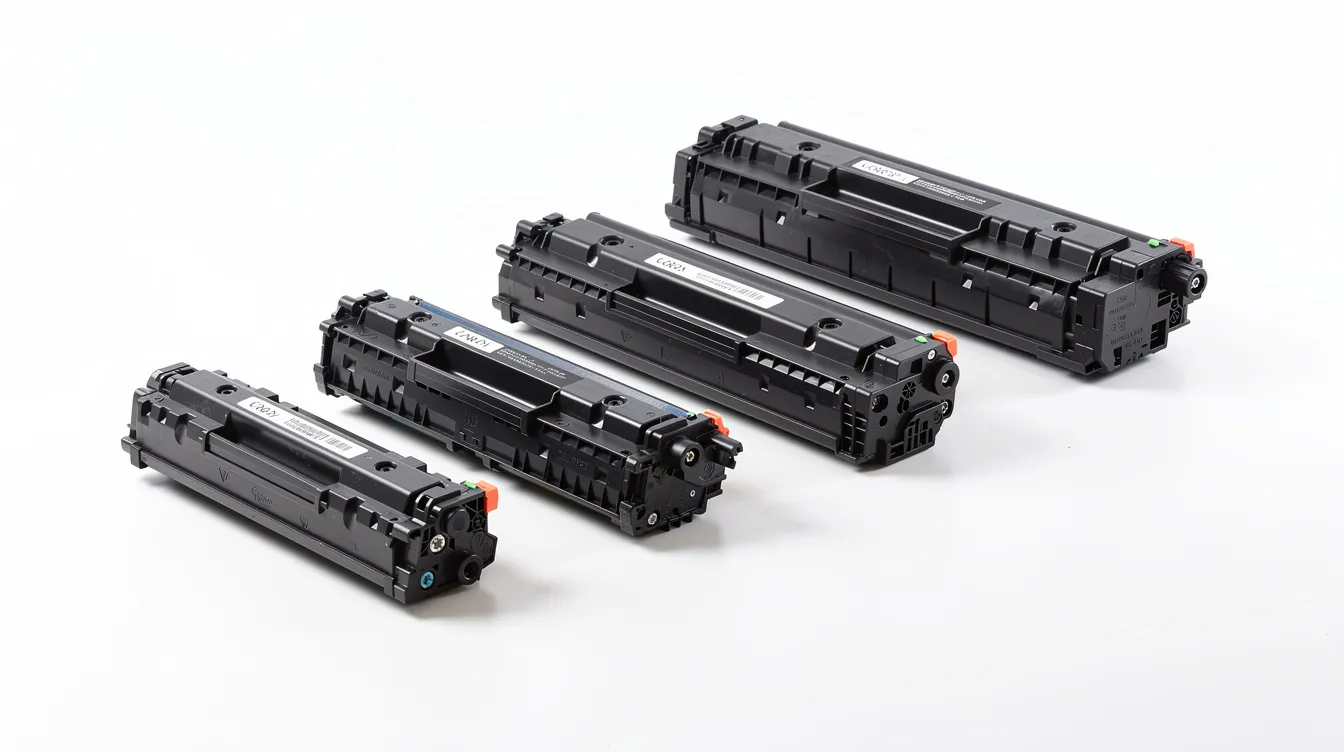
Entry-level monochrome models like the Xerox B230 and B235 offer the cheapest individual toner cartridges and strong CPP when paired with high-capacity supplies. But “cheapest cartridge” and “lowest cost per page” are not the same thing. A $50 cartridge that prints 1,200 pages costs more per page than a $200 cartridge that prints 6,000 pages.
Here’s a quick compare:
- B230 standard black (1,200 pages): ~$70 → ~5.8¢ per page
- B230 extra-high black (6,000 pages): ~$202 → ~3.4¢ per page
Use-and-return programs can reduce immediate supply costs for toner cartridges-Xerox offers recycling deals that drop the extra-high-capacity cartridge closer to $200. Separate imaging drum units can reduce long-term operating costs by allowing replacement only when necessary, rather than bundling the drum into every cartridge swap, and detailed service and parts manuals for Brother printers help ensure those components are serviced correctly.
Compatible toner may lower costs but can affect print quality and reliability, and power or component issues like a failed power supply often require professional Xerox repair. We generally recommend sticking with genuine Xerox consumables, especially if you want predictable page yield and consistent images.
Four Simple Ways to Lower Your Home Laser Printing Costs
Most home users can cut their annual printing costs by 20–40% with a few quick adjustments, and businesses maintaining fleets of Brother or other laser devices often rely on a comprehensive laser printer service manual to keep hardware running efficiently:
- Always pick high-capacity toner. High-yield toner cartridges lead to fewer supply orders and predictable costs. On a Xerox B230, switching from standard to extra-high yield at 300 pages per month saves roughly 70–90 per year.
- Turn on automatic duplex printing. Automatic duplex printing reduces paper costs significantly-up to 50% on paper spend alone.
- Use draft or eco mode for internal pages. When you’re printing notes or rough drafts, lower toner density extends cartridge life without affecting readability.
- Default your driver to black and white. This prevents accidental color toner consumption on emails and web pages with minor colored elements. If you own a color laser printer, reserve it for client-facing materials.
Xerox printers also include straightforward wireless functionality, including wi fi setup that many home users can handle without IT assistance, saving costs-but if you want help configuring network defaults or eco settings, Clear Choice Technical Services offers remote IT support to handle it for you.
How to Calculate Your Own Home Printing Cost Per Page
You can calculate your own CPP and total cost of ownership as part of smarter office technology decisions in about five minutes. Total cost of ownership includes purchase price and ongoing costs like toner, paper, and any maintenance.
Follow these steps:
- Find your toner price. Check the current cost of high-capacity cartridges for your Xerox model on Xerox’s site or a reseller. For this example, use the Xerox B310 high-capacity black toner at about $290.
- Find the ISO page yield. The B310 high-capacity cartridge is rated at 8,000 pages.
- Divide to get CPP. $290 ÷ 8,000 = 3.6¢ per page.
- Multiply by monthly volume. At 1,000 pages per month: 1,000 × $0.036 = $36/month in toner.
- Project over 2–3 years. $36 × 24 months = 864intonerovertwoyears,plusthe~400 hardware cost = roughly $1,264 total.
Now compare that to your current inkjet costs. If you own a color laser, estimate the percentage of color vs. mono pages and apply separate CPP figures to each. Most home users find laser saves them 30–50% over two years, especially when they avoid legacy models with hidden reliability issues like the HP LaserJet 3055.
When Does It Make Sense to Lease or Use Managed Print Instead of Buying?
For a home business or small company printing 1,000+ pages per month, buying a compact Xerox laser printer may not be the simplest path. A copier lease or managed print services can be the better fit.
Copier leasing turns a large equipment purchase into a predictable monthly payment. Short-term copier rental works well for project-based needs. Managed print services bundle supplies, maintenance, and support into a fixed per page cost-no surprise toner bills, and providers back this with detailed multifunction copier service documentation to minimize downtime. Xerox multifunction printers range from $1,399 to $2,278 for higher-end machines, making leasing particularly reasonable for small business and home-based operations that need more capabilities, similar in complexity to Lexmark color multifunction systems covered by dedicated service manuals.
Avoided IT support costs contribute to lower total cost of ownership, especially if a maintenance contract covers repairs and supplies and your provider has access to detailed Lexmark service and parts documentation for fast troubleshooting. Pay attention to lease terms, auto-renew clauses, and early termination costs before signing.
Clear Choice Technical Services helps small businesses and home-based offices right-size devices and service plans for their print volume and workflow, structure maintenance contracts, and provide printer repair and remote IT support for customers.
Choosing the Right Lowest-Cost Xerox Laser Printer for Your Home
In the Xerox home-printer market, the lowest cost per page Xerox laser printers for most homes are the monochrome B230, B235, and B310. If you need affordable color, the C230 or C300 Series delivers laser quality without the maintenance nightmares of a color inkjet.
Here’s your quick decision matrix:
- Text-only, light volume → Xerox B230 or B235
- Heavy mono printing (500+ pages/month) → Xerox B310
- Color-dependent workflow → Xerox C230 or C300 Series
Spend five minutes on the CPP math. It makes sense to compare your current money going to ink against what a Xerox laser would cost over the next two years. The upgrade typically pays for itself within 12 months.
Ready to cut your printing costs? Clear Choice Technical Services of Connecticut compares models side by side and helps customers choose the right Xerox laser printer for their needs, then matches them with the right high-yield toner so every page costs less.
Call (203) 987-4128 today for the best price on Xerox printers and genuine supplies, or check our locations and service areas to confirm on-site support near you. Ask about a free demo so you can see print quality and speed before you buy.
